Why the Chip Matters (But Isn't Everything)
When shopping for an Android TV box with S905X5, it's easy to get lost in spec sheets. But here's the truth: the chip matters — but so does everything around it.
This guide helps you choose the right device by focusing on real-world experience — not just MHz and GB. For a full technical breakdown of the chips, read our S905X5 Complete Guide.
📊 Quick Summary: Which Chip Do You Need?
- S905X5 (Armv9 + NPU): Best for 8K IPTV, AI upscaling, H.266. Premium choice.
- S905X5M (Armv8, 6nm): Great for 4K IPTV, slightly better than S905X4. Budget choice.
- S905X4 or older: Only if you're on a very tight budget or buying a secondary device.
Part 1: S905X5 vs S905X5M vs S905X — The Real Differences
Before buying, understand what each chip actually gives you:
| Feature | S905X5 | S905X5M | S905X (Old) |
|---|---|---|---|
| Architecture | Armv9 (A510) | Armv8 (A55) | Armv8 (A53) |
| Manufacturing | 6nm | 6nm | 28nm |
| AI Upscaling (NPU) | Yes (3.2-4 TOPS) | No | No |
| 8K Decode | Yes (native) | Limited | No |
| H.266 Support | Yes | No | No |
| Max RAM | 8GB | 4GB | 2GB |
| Best For | Enthusiasts, 8K TV owners | Budget 4K IPTV | Outdated |
For a deeper dive, read our Amlogic S905X5M vs S905X5 vs S905X comparison.
Part 2: What to Look for Beyond the Chip
The chip is important, but these factors determine your actual experience:
1. Android TV OS Version
Look for Android 14 or higher. This ensures compatibility with modern IPTV apps like TiviMate, IPTV Smarters Pro, and Kodi. Older versions may not support the latest features. For setup guides, read our TiviMate Installation Guide.
2. RAM (Memory)
For a smooth S905X5 Android TV experience, you need:
- 4GB RAM minimum — for smooth multitasking
- 8GB RAM recommended — for AI upscaling and 8K content
- 2GB RAM — only acceptable for basic 1080p streaming
3. Storage
You need enough internal storage for apps and cache:
- 64GB minimum — for recording and caching
- 128GB recommended — for extensive IPTV libraries
- Some devices support microSD or USB expansion — check before buying
4. Connectivity
For the best IPTV experience, look for:
- WiFi 6 — faster than WiFi 5, essential for 8K
- Gigabit Ethernet — for the most stable connection
- Bluetooth 5.0+ — for wireless remotes and audio
- HDMI 2.1 — for 8K output support
5. Remote Control
A good remote is underrated. Look for:
- Voice control (Google Assistant built-in)
- Programmable buttons for your IPTV player
- Backlit keys for dark room use
6. Cooling System
8K processing generates heat. Look for devices with:
- Ventilation grilles on the sides or bottom
- Heat sinks (metal casing, not plastic)
- Active cooling (fan) only if necessary — but they can be noisy
Part 3: Top Android TV Boxes with S905X5 / S905X5M
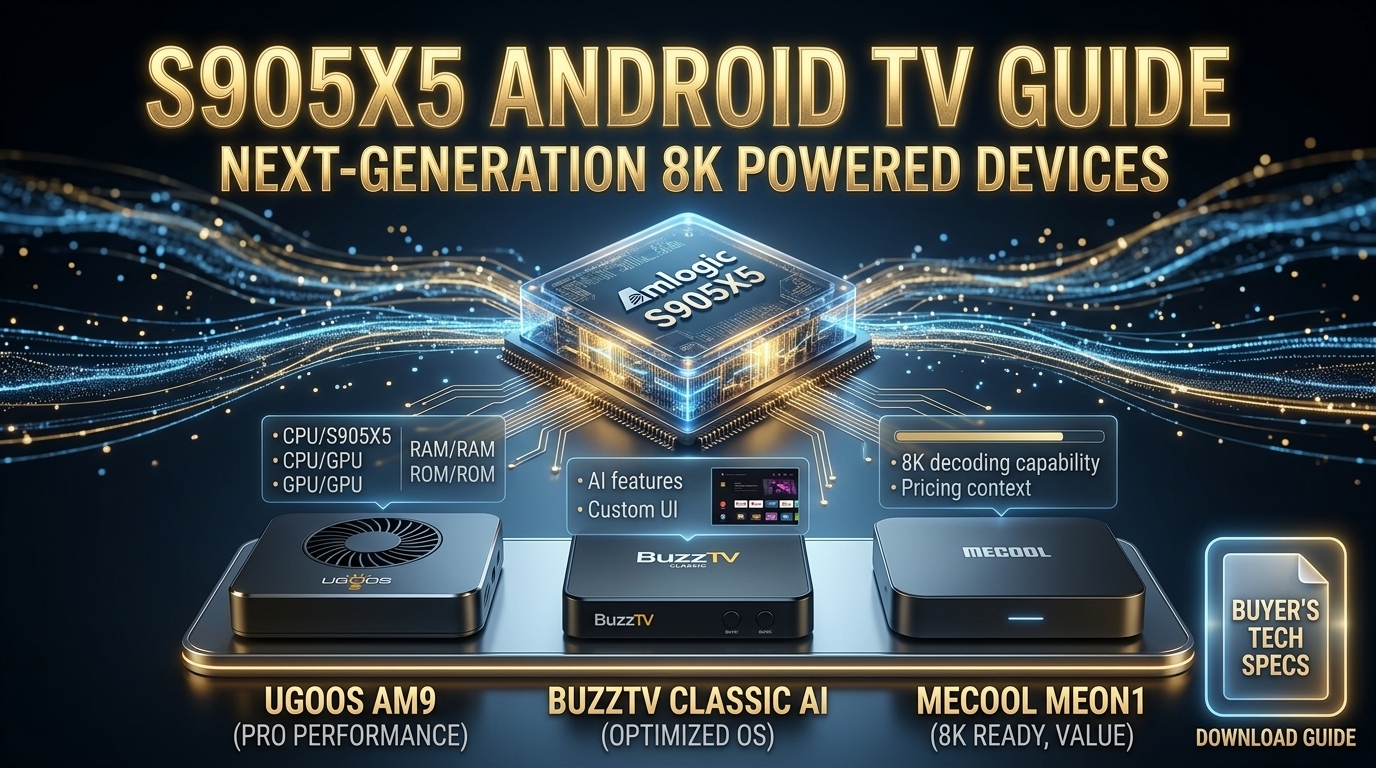
Ugoos AM9
The flagship Android TV box with S905X5. Features:
- ✅ S905X5 Armv9 with 4 TOPS NPU
- ✅ 4GB RAM + 64GB storage
- ✅ Android 14
- ✅ WiFi 6 + Gigabit Ethernet
- ✅ 3x USB 3.0 ports
- ✅ AI Super Resolution
Best for: Users who want the ultimate 8K IPTV experience. See our Top S905X5 Android TV Boxes guide.
BuzzTV Classic AI
Built specifically for IPTV with the S905X5 chip and DDR5 RAM. Features the BuzzTV 6 launcher for seamless multi-server management.
- ✅ S905X5 with DDR5 RAM
- ✅ AI-SR 2 upscaling
- ✅ BuzzTV 6 IPTV launcher
- ✅ Android 14
Best for: IPTV enthusiasts. Read our Best 8K Media TV Boxes guide.
Mecool MEon1 4K
Powered by the S905X5M chip, this affordable box offers:
- ✅ S905X5M (6nm, 2.5GHz)
- ✅ 2GB RAM + 32GB storage
- ✅ Netflix 4K certified
- ✅ WiFi 6 + Bluetooth 5.2
- ✅ Android 14
Best for: Budget-conscious buyers who want Android 14 and 4K streaming. Compare with the S905X4 in our S905X4 vs S905X5M guide.
X88 Pro S905X5
A budget-friendly Android TV box with the S905X5 chip and 4GB RAM.
- ✅ S905X5 chip
- ✅ 4GB RAM + 32-64GB storage
- ✅ Android 14
- ✅ 8K@30fps decoding
Best for: Budget buyers who still want modern hardware.
Z1 Max 8K Ultra HD
A mid-range option using the S905X5M chip. For a full review, read our Z1 Max 8K Ultra HD Review.
- ✅ S905X5M chip
- ✅ 2GB / 4GB RAM options
- ✅ Android 15
- ✅ 8K output (4K decode)
Best for: Budget buyers. Compare with S905X5 in our S905X5 vs Z1 IPTV guide.
Part 4: How to Test Your Android TV Box for IPTV
Once you have your device, test it with these steps:
- Install TiviMate — the best IPTV player. Read our TiviMate Guide.
- Add your IPTV subscription — use Xtream Codes or M3U URL.
- Enable hardware decoding — Settings → Playback → Hardware Decoder.
- Increase buffer size — Set to "Very Large" (10-15 seconds).
- Test during peak hours — 8 PM on a weekday.
- Check for 4K/8K channels — verify they work.
For a complete test guide, read our 8K IPTV Free Trial Guide.
Part 5: Optimizing Your Android TV Box for 8K IPTV
After setup, optimize your device with these guides:
- Max 8K Streaming Optimization Guide — 7 steps to maximum quality
- 8K Media TV Setup Guide — complete configuration guide
- How to Fix IPTV Buffering — troubleshooting guide
- VVC (H.266) Guide — understand the codec
📖 Read Also:
For the best IPTV subscription to pair with your Android TV box, read our Best 8K IPTV Streaming Service 2026.
🚀 Pair Your Android TV Box with iPTV8KMax
Get 50,000+ channels and 250,000+ VOD titles with iPTV8KMax. Plans from $49/year.
⭐ Get iPTV8KMax Now → 💬 Free Trial on WhatsApp →Frequently Asked Questions
Which Android TV box has the S905X5 chip?
Top devices include the Ugoos AM9, BuzzTV Classic AI, and X88 Pro. See our Top S905X5 Android TV Boxes.
Is S905X5 better than S905X5M for Android TV?
Yes, significantly. The S905X5 has Armv9, NPU, H.266, and true 8K. The S905X5M is a budget alternative. Read our full comparison.
How much RAM do I need for IPTV on Android TV?
At least 4GB. For 8K and AI upscaling, 8GB is ideal.
Do I need Android 14 for IPTV?
Not strictly, but Android 14 ensures compatibility with the latest IPTV apps and features. Older versions may miss out.
What's the best IPTV player for Android TV?
TiviMate is the best. Read our TiviMate Guide.
Conclusion
Choosing an Android TV box with S905X5 or S905X5M comes down to your needs. For the ultimate 8K IPTV experience, choose a full S905X5 device like the Ugoos AM9 or BuzzTV Classic AI. For budget 4K streaming, the S905X5M devices like the Mecool MEon1 offer excellent value.
Pair your device with iPTV8KMax and optimize it with our guides for the best experience in 2026.