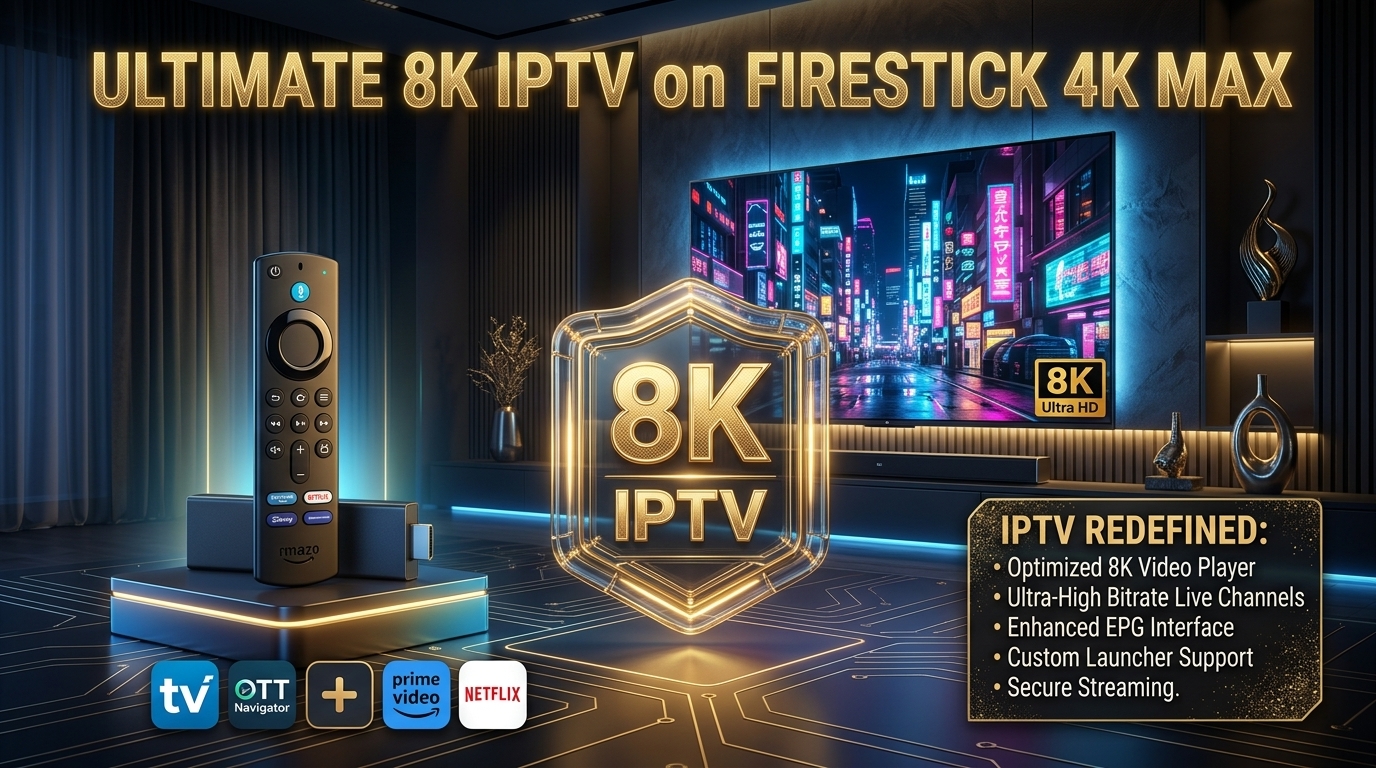
Can Firestick Really Handle 8K TV IPTV?
The short answer: Yes, but only specific models. Not every Firestick supports 8K content. The Firestick HD maxes out at 1080p. But the Firestick 4K Max (2nd Gen) supports 8K decoding output.
In this guide, we'll show you exactly how to watch 8K TV IPTV on Firestick. If you want to understand what IPTV is, read our Ultimate Guide to 8K Premium IPTV.
📊 Firestick Models & 8K Support
- Firestick HD: ❌ No 8K support (1080p max)
- Firestick 4K: Streams 8K (outputs 4K)
- Firestick 4K Max: ✅ Best for 8K IPTV (WiFi 6E)
- Fire TV Cube: ✅ Supported (WiFi 6E)
What You Need for 8K TV IPTV on Firestick
- ✅ Firestick 4K or 4K Max
- ✅ An 8K-capable TV (for full 8K output)
- ✅ Internet speed of 50-100 Mbps sustained
- ✅ A premium IPTV subscription (like iPTV8KMax or Dream 4K IPTV)
- ✅ An IPTV player app (TiviMate, IPTV Smarters Pro)
📖 Read Also:
Compare Dream 4K IPTV and iPTV8KMax in our side-by-side comparison.
Step 1: Install TiviMate on Firestick
1 Go to Settings → My Fire TV → Developer Options → Turn ON "Apps from Unknown Sources"
2 Install "Downloader" from the Amazon Appstore
3 Open Downloader, enter https://www.tivimate.com/download
4 Install TiviMate APK
For a complete TiviMate guide, read our TiviMate Installation Guide.
Step 2: Add Your 8K IPTV Subscription
1 Open TiviMate → Add Playlist
2 Choose Xtream Codes or M3U URL
3 Enter your credentials
4 Wait for channels to load
Step 3: Optimize Firestick for 8K Streaming
- Use Ethernet: Buy an OTG Ethernet adapter for the most stable connection
- Enable Hardware Decoding: TiviMate → Settings → Playback → Hardware Decoder
- Increase Buffer Size: Set to "Very Large" (10-15 seconds)
- Use a VPN: Prevents ISP throttling during peak hours
- Close Background Apps: Double-click Home button and close unused apps
For more optimization tips, read our IPTV Buffering Fix Guide.
⚠️ Important Note: The Firestick 4K Max can decode 8K content, but it will output at 4K resolution. For true 8K output, you need a device with H.266 support like the Amlogic S905X5.
Step 4: Test Your 8K IPTV Setup
Before committing to a subscription, always test the service first. Read our 8K IPTV Free Trial Guide.
Step 5: Upgrade to True 8K Hardware (Optional)
For the ultimate 8K IPTV experience, consider upgrading from Firestick to a dedicated 8K media TV box. See our Best 8K Media TV Boxes 2026 guide.
Common Issues & Solutions
❌ Buffering during 8K streams
Use Ethernet, increase buffer size, and use a VPN. Read our complete fix guide.
❌ "App not installed" error
Delete unused apps to free up storage: Settings → Applications → Manage Installed Apps.
❌ No 8K channels showing
Your IPTV provider may not offer true 8K. Choose a premium provider with H.266 support.
🚀 Watch 8K IPTV on Your Firestick Today
Get iPTV8KMax for 50,000+ channels and true 8K streaming on your Firestick. Plans from $49/year.
⭐ Get iPTV8KMax Now → 💬 Free Trial on WhatsApp →Frequently Asked Questions
Can Firestick stream 8K IPTV?
The Firestick 4K and 4K Max can decode 8K content but output at 4K. For true 8K output, you need a device with H.266 support.
What internet speed is needed for 8K IPTV on Firestick?
For 8K IPTV on Firestick, you need 50-100 Mbps sustained.
Which IPTV player is best for 8K on Firestick?
TiviMate is the best option for 8K streaming on Firestick. See our TiviMate Guide.
Does Dream 4K IPTV work on Firestick?
Yes! For setup instructions, read our Dream 4K IPTV Firestick Guide.
Conclusion
Watching 8K TV IPTV on Firestick is possible with the right setup. Use a Firestick 4K Max, optimize your settings, and pair it with a premium IPTV service like iPTV8KMax for the ultimate experience.
For hardware comparisons, read our S905X5 vs S905X4 guide. For subscription options, see our Best 8K IPTV Subscription 2026.