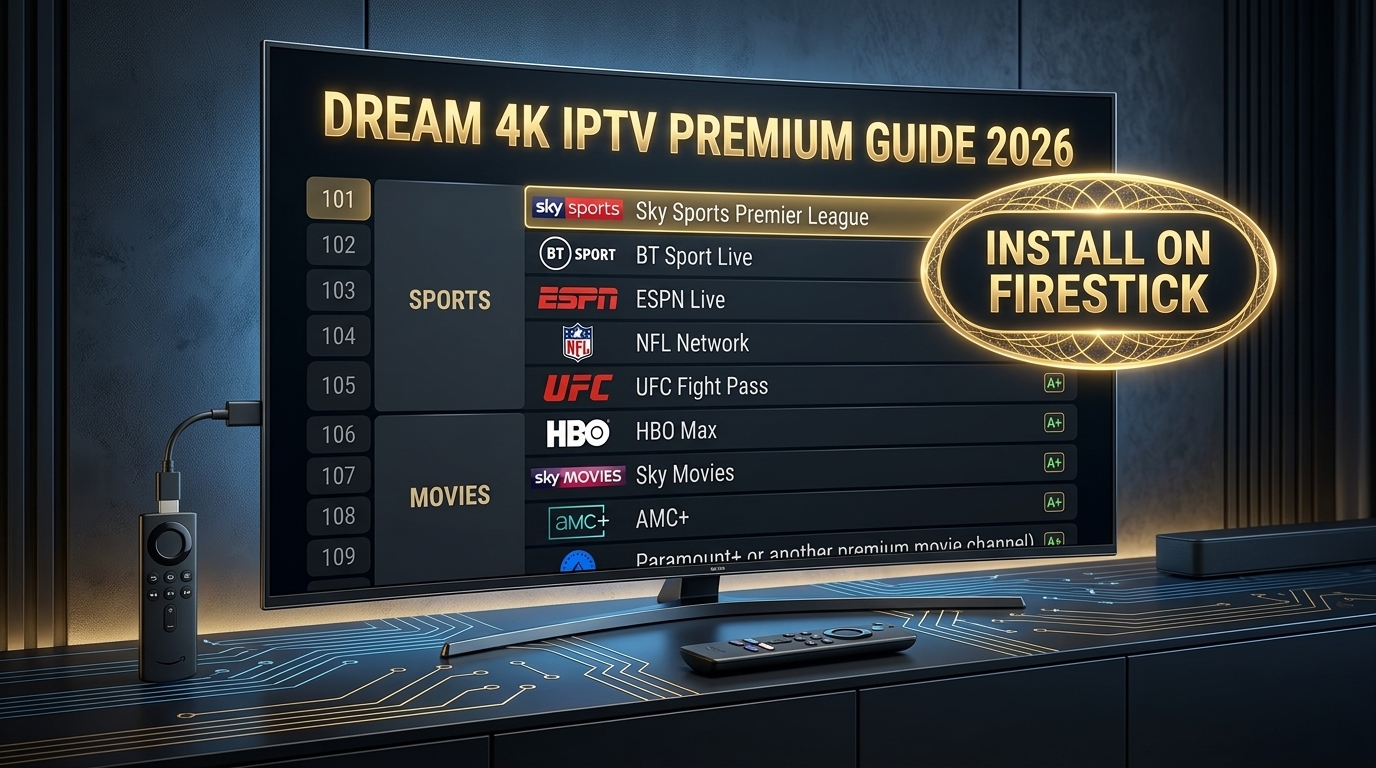
Why Firestick is the Best Device for Dream 4K IPTV
Amazon Firestick is the most popular streaming device for IPTV in 2026, and for good reason. It's affordable ($30-50), supports 4K Ultra HD, and works perfectly with Dream 4K IPTV.
In this guide, we'll show you exactly how to install Dream 4K IPTV on Firestick in under 10 minutes. If you want to understand what Dream 4K IPTV offers first, read our full Dream 4K IPTV Review 2026.
📋 What You'll Need
- ✅ Amazon Firestick (4K or 4K Max recommended)
- ✅ A Dream 4K IPTV subscription (with Xtream Codes or M3U URL)
- ✅ Fast internet connection (25+ Mbps for 4K)
- ✅ 10 minutes of your time
Step 1: Enable Apps from Unknown Sources
1 Go to Settings → My Fire TV → Developer Options
2 Turn ON "Apps from Unknown Sources"
3 Also enable ADB Debugging (if available)
⚠️ Can't find Developer Options? Go to Settings → My Fire TV → About → Click on "Fire TV Stick" 7 times. Developer Options will appear.
Step 2: Install Downloader App
1 From Firestick home screen, go to Find → Search
2 Type "Downloader" and install the app (orange icon)
Step 3: Install TiviMate IPTV Player
TiviMate is the best IPTV player for Firestick, and it works perfectly with Dream 4K IPTV. For a complete guide, read our TiviMate Installation Guide.
1 Open the Downloader app
2 Enter URL: https://www.tivimate.com/download
3 Click Go and wait for the download to complete
4 Click Install when prompted
📖 Read Also:
Looking for more IPTV players? Compare them in our guide: Best IPTV Players for 8K Streaming.
Step 4: Add Your Dream 4K IPTV Playlist
1 Open TiviMate from your Firestick apps
2 Click "Add Playlist"
3 Choose "Xtream Codes" (recommended) or "M3U URL"
4 Enter your Dream 4K credentials (Server URL, Username, Password)
5 Name your playlist (e.g., "Dream 4K IPTV")
6 Wait 30-60 seconds for channels to load
The Dream 4K IPTV channel list includes over 31,000 live channels. For a full breakdown, read our Dream 4K IPTV Channel List 2026.
Step 5: Optimize Your Setup for Buffer-Free Streaming
Follow these tips to get the best performance from Dream 4K IPTV on Firestick:
- Use Ethernet: Buy an OTG Ethernet adapter ($15-20) for the most stable connection
- Increase Buffer Size: In TiviMate → Settings → Playback → Buffer Size → "Very Large"
- Enable Hardware Decoding: TiviMate → Settings → Playback → Hardware Decoder → ON
- Use a VPN: Prevents ISP throttling during peak hours
For a complete troubleshooting guide, read: How to Fix IPTV Buffering for 8K Streaming.
Step 6: Test Your Dream 4K IPTV Setup
Before committing to a long-term subscription, always test the service. Read our guide: How to Get an 8K IPTV Free Trial.
Common Dream 4K IPTV Firestick Issues
❌ "Playlist failed to load"
Check your internet connection. Verify that the Xtream Codes or M3U URL are correct. Contact Dream 4K support for updated credentials.
❌ Buffering during live sports
Use Ethernet, increase buffer size, and consider using a VPN. For more solutions, read our IPTV Buffering Fix Guide.
❌ TiviMate crashes on Firestick
Clear cache: Settings → Applications → Manage Installed Apps → TiviMate → Clear Cache. Also ensure you have the latest version.
❌ Can't find Developer Options
Go to Settings → My Fire TV → About → Click "Fire TV Stick" 7 times.
Should You Upgrade to a Better Device?
If you want the ultimate Dream 4K IPTV experience with true 4K/8K streaming, consider upgrading to a device with the Amlogic S905X5 processor. Compare the S905X5 vs S905X4 to see the difference.
For more hardware options, check our guide: Top S905X5 Android TV Boxes.
🚀 Want Better Than Dream 4K IPTV?
Upgrade to iPTV8KMax for 50,000+ channels, 250,000+ VOD titles, and true 8K quality.
⭐ Get iPTV8KMax Now → 💬 Free Trial on WhatsApp →Frequently Asked Questions
Is Dream 4K IPTV compatible with Firestick?
Yes! Dream 4K IPTV works perfectly on all Firestick models (Lite, 4K, 4K Max).
What's the best IPTV player for Dream 4K on Firestick?
TiviMate is the best choice, followed by IPTV Smarters Pro. For a full comparison, read our TiviMate Guide.
Can I install Dream 4K IPTV on Firestick without a computer?
Yes! The Downloader app method described above doesn't require a computer.
Do I need a VPN for Dream 4K IPTV on Firestick?
Highly recommended. A VPN prevents ISP throttling. Read our buffering guide for more details.
Does Dream 4K IPTV support 8K?
No. Dream 4K is limited to 4K Ultra HD. For true 8K, you need a premium provider with H.266 support.
Conclusion
Installing Dream 4K IPTV on Firestick is simple with the right guide. Follow the steps above, optimize your settings, and you'll be streaming 4K content in under 10 minutes.
For a comparison between Dream 4K and other services, read our Dream 4K IPTV vs iPTV8KMax article.