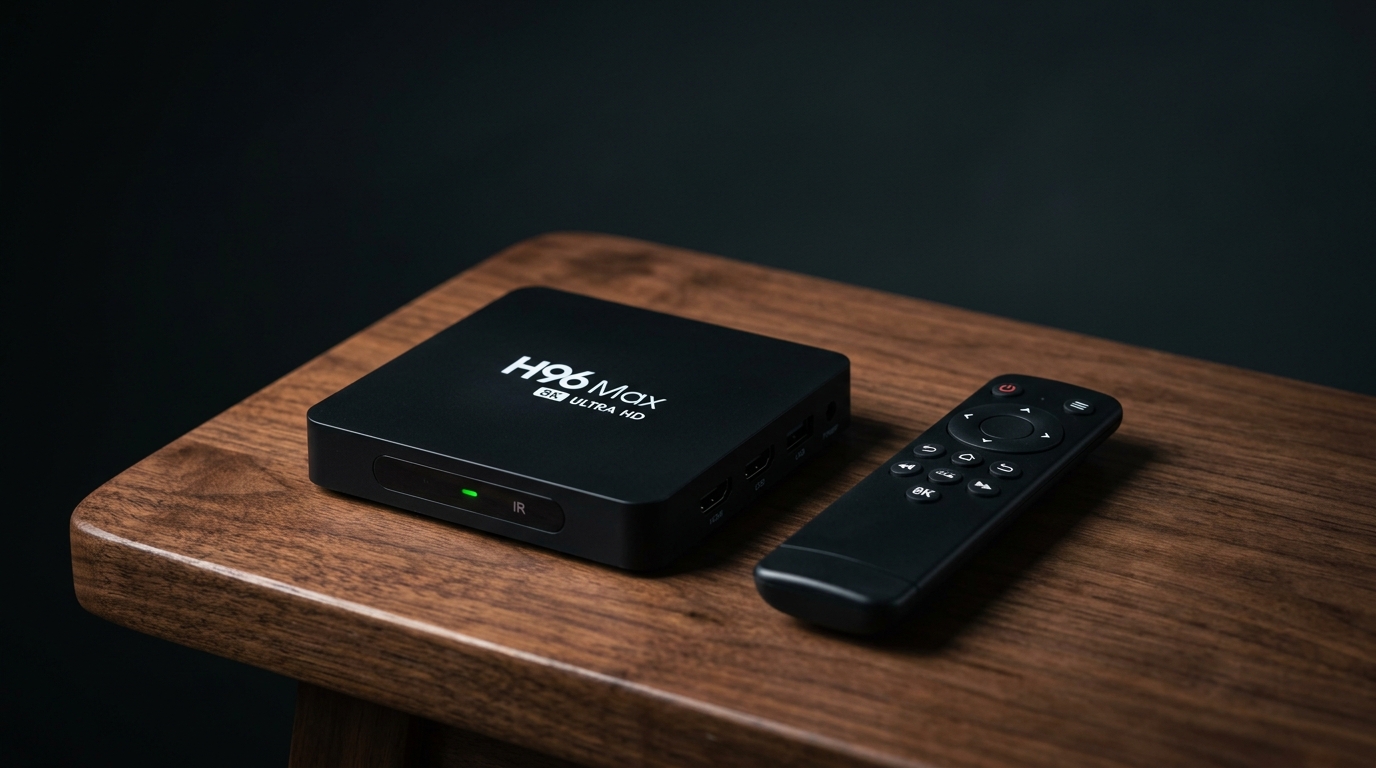
What is H96 Max 8K Ultra HD IPTV?
The H96 Max 8K Ultra HD IPTV box is a powerful Android TV streaming device designed for high-performance media playback. With support for 8K video decoding, a fast RK3528 processor, up to 4GB of RAM, and WiFi 6 connectivity, this device is built for the future of streaming.
Whether you're looking for a dedicated IPTV 8K Max device or simply want the best Android TV box for watching sports, movies, and live TV, the H96 Max 8K delivers exceptional performance at an affordable price point.
Key Specifications
Processor
RK3528 Quad-core
Cortex-A53 up to 2.0GHz
RAM & Storage
4GB RAM + 64GB ROM
(128GB option available)
Connectivity
WiFi 6 (802.11ax)
Bluetooth 5.0/5.4
Video Output
8K@60fps, HDMI 2.0b
HDR10+, Dolby Vision
Ports
USB 3.0, USB 2.0
RJ45 Ethernet, AV, SPDIF
Operating System
Android 13.0 / 14.0
Google Play Store included
Why Choose H96 Max 8K for IPTV?
If you're serious about IPTV streaming, the H96 Max 8K offers several advantages:
- 8K Video Decoding: Future-proof your setup with support for H.265/HEVC, VP9, and AV1 codecs up to 8K@60fps.
- WiFi 6 Technology: With speeds up to 1.8 Gbps, you'll never experience buffering during live matches.
- Pure Android OS: Install any IPTV app directly from the Google Play Store.
- HDR10+ & Dolby Vision: Enhanced color and contrast for an immersive viewing experience.
- Gigabit Ethernet Port: For the most stable connection, plug directly into your router.
H96 Max 8K vs Amazon Firestick 4K
| Feature | H96 Max 8K | Firestick 4K |
|---|---|---|
| Max Resolution | 8K @60fps | 4K @60fps |
| RAM | 4GB | 1.5GB |
| Storage | 64GB/128GB | 8GB |
| WiFi | WiFi 6 | WiFi 5 |
| Ethernet Port | Yes | No |
| USB Ports | USB 3.0 + USB 2.0 | Micro USB only |
| Operating System | Android 13/14 | Fire OS |
Best IPTV Apps for H96 Max 8K
- TiviMate: Best overall IPTV player with multi-view and recording.
- IPTV Smarters Pro: User-friendly, supports all playlist formats.
- VLC for Android: Simple, free, and plays almost any video format.
- Kodi: All-in-one media center with IPTV addons.
How to Setup IPTV on H96 Max 8K
Step 1: Connect Your H96 Max
Plug into HDMI port, connect power, and turn on your TV.
Step 2: Connect to Internet
Go to Settings → Network & Internet. Choose WiFi 6 or plug in Ethernet.
Step 3: Install an IPTV App
Open Google Play Store. Search for "TiviMate" or "IPTV Smarters" and install.
Step 4: Add Your IPTV Subscription
Open the app. Select "Add Playlist" and enter your M3U URL or Xtream Codes.
Step 5: Start Streaming!
Browse channels and enjoy buffer-free streaming in 4K or 8K.
✅ Pros
- 8K video decoding
- WiFi 6 support
- 4GB RAM
- Expandable storage
- Pure Android OS
- Affordable price
❌ Cons
- No Netflix 4K certification
- Limited official support
Frequently Asked Questions
Is H96 Max 8K good for IPTV?
Yes! It's one of the best devices for IPTV thanks to its 4GB RAM, WiFi 6, and powerful processor.
Can I install TiviMate on H96 Max 8K?
Absolutely. TiviMate is available directly from the Google Play Store.
Where can I buy the H96 Max 8K?
You can find it on Amazon, AliExpress, and Banggood for $50-$80.
🏆 Ready for the Ultimate IPTV Experience?
Get the H96 Max 8K Ultra HD IPTV box and pair it with a premium IPTV subscription.
Check Price on Amazon →