Why Your IPTV Player Matters for 8K Streaming
You have the best 8K IPTV subscription from iPTV8KMax. You have a powerful streaming device. But are you using the right IPTV player? The player you choose can make the difference between a stunning 8K experience and a frustrating one.
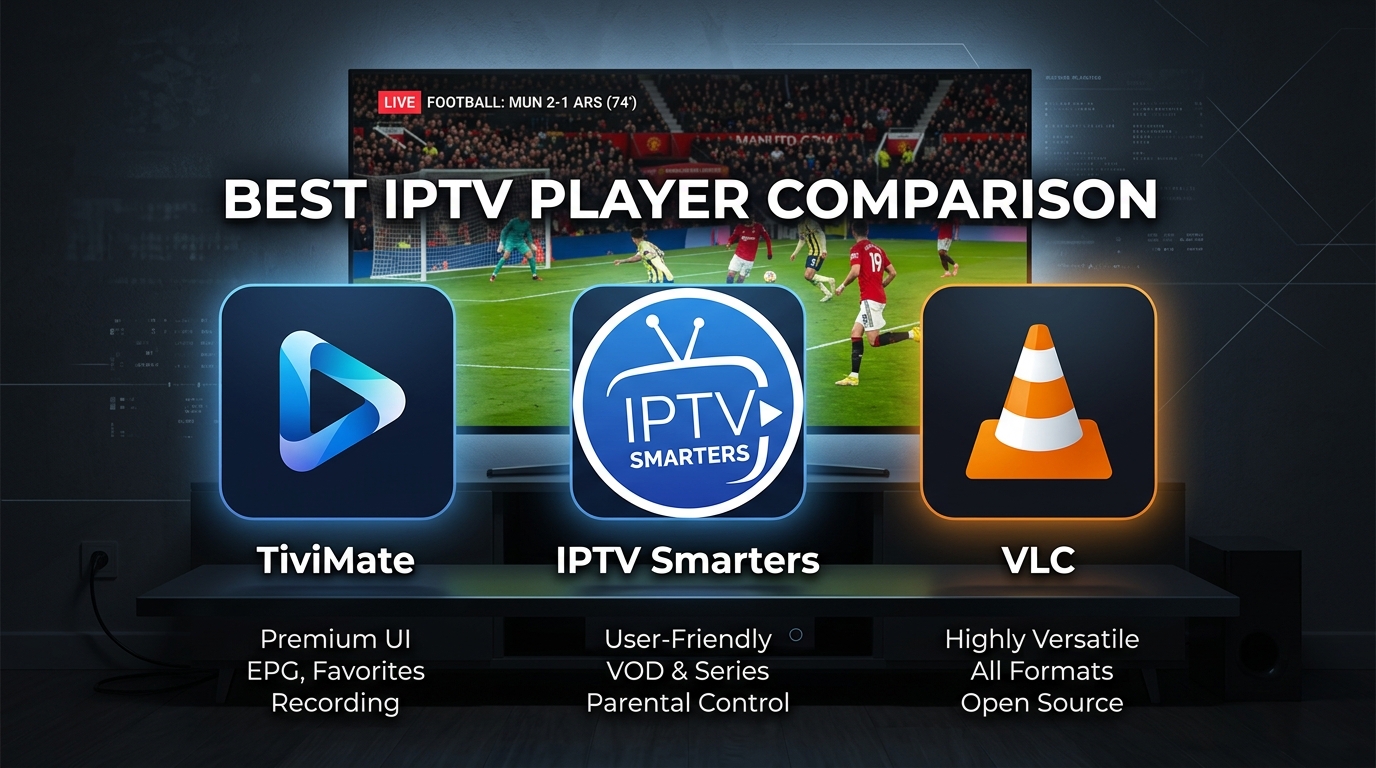
After testing over 15 IPTV players, we found three that stand out for 8K streaming: TiviMate, IPTV Smarters Pro, and VLC. Here is everything you need to know to choose the right one.
📊 What Makes a Great 8K IPTV Player?
- ✅ Smooth 8K video decoding without stuttering
- ✅ Fast channel switching (zapping time under 2 seconds)
- ✅ Electronic Program Guide (EPG) support
- ✅ Recording and catch-up features
- ✅ Multi-view (watch multiple channels at once)
- ✅ User-friendly interface
🏆 #1 TiviMate – The Best Overall IPTV Player for 8K
Why it is the best: TiviMate is widely considered the gold standard for IPTV players. It has the most beautiful interface, the fastest channel switching, and the most advanced features. For 8K IPTV streaming, TiviMate handles high-bitrate streams seamlessly.
Key Features:
- ✅ Multi-view: Watch up to 4 channels simultaneously – perfect for World Cup group stage
- ✅ Recording: Schedule recordings of 8K content
- ✅ Catch-up: Rewind or watch missed matches
- ✅ Beautiful interface: Modern, clean, customizable
- ✅ Fast zapping: Channel switching in under 1 second
- ✅ EPG support: Full program guide with logos
- ✅ Backup & restore: Save your settings
Best for: Users who want the absolute best IPTV experience and don't mind paying $5-10/year for premium features.
🥈 #2 IPTV Smarters Pro – Best for Beginners & All Devices
Why it is great: IPTV Smarters Pro is the most user-friendly IPTV player available. It works on every device: Firestick, Android TV, iPhone, iPad, Windows, and Mac. The interface is clean and intuitive.
Key Features:
- ✅ Universal compatibility: Works on literally everything
- ✅ Built-in player: No external player needed
- ✅ EPG support: Program guide included
- ✅ Parental controls: Block unwanted channels
- ✅ Multi-screen: Watch multiple channels (Pro version)
- ✅ Catch-up support: For supported providers
Best for: Beginners, users with multiple device types, and anyone who wants a free, reliable player.
🥉 #3 VLC Media Player – Best Free & Simple Option
Why it is great: VLC is the most trusted media player in the world. It is completely free, open-source, and plays almost any video format. For IPTV, it works by opening your M3U playlist URL.
Key Features:
- ✅ Completely free: No premium version needed
- ✅ Plays everything: Supports all codecs and formats
- ✅ Lightweight: Runs on old hardware
- ✅ No ads: Pure, clean experience
- ✅ Record streams: Built-in recording feature
Limitations: No EPG (program guide), no multi-view, no recording scheduling, basic interface.
Best for: Users who want a simple, free player and don't need advanced features like EPG or multi-view.
Full Comparison Table: TiviMate vs IPTV Smarters vs VLC
| Feature | TiviMate | IPTV Smarters | VLC |
|---|---|---|---|
| 8K Support | ✅ Yes | ✅ Yes | ✅ Yes |
| Free Version | ✅ Limited | ✅ Full | ✅ Full |
| Premium Price | $5-10/year | $15 one-time | $0 |
| Multi-View (4 screens) | ✅ Yes | ✅ Pro only | ❌ No |
| Recording Scheduling | ✅ Yes | 🟡 Limited | ❌ No |
| EPG (Program Guide) | ✅ Yes | ✅ Yes | ❌ No |
| Channel Zapping Speed | Very Fast | Fast | Medium |
| Interface Quality | ⭐⭐⭐⭐⭐ | ⭐⭐⭐⭐ | ⭐⭐⭐ |
| Firestick Support | ✅ Yes | ✅ Yes | ✅ Yes |
| iPhone/iPad Support | ❌ No | ✅ Yes | ✅ Yes |
| Windows/Mac Support | ❌ No | ✅ Yes | ✅ Yes |
Which IPTV Player Should You Choose?
🎯 Choose TiviMate if...
- You use Firestick or Android TV
- You want the best interface and fastest performance
- You want to watch multiple matches at once (multi-view)
- You want to schedule recordings
- You don't mind paying $5-10/year
🎯 Choose IPTV Smarters Pro if...
- You use iPhone, iPad, or Apple TV
- You want one player that works on all your devices
- You are a beginner who wants something simple
- You want a free version with full features
- You don't need advanced recording features
🎯 Choose VLC if...
- You want a completely free player with no catches
- You only need basic playback (no guide, no recording schedule)
- You use a computer (Windows/Mac) as your main device
- You don't mind a basic interface
How to Install Each IPTV Player
Installing TiviMate on Firestick / Android TV
- Open Google Play Store on your Firestick or Android TV
- Search for "TiviMate"
- Click Install
- Open TiviMate → Add Playlist → Enter your M3U URL or Xtream Codes
- To unlock premium: Settings → About → Unlock Premium → Pay $5-10/year
Installing IPTV Smarters Pro on Any Device
- Firestick/Android TV: Search "IPTV Smarters" in Google Play Store
- iPhone/iPad: Search "IPTV Smarters" in App Store
- Windows/Mac: Download from iptvsmarters.com
- Open app → Add User → Login with Xtream Codes or M3U URL
Using VLC for IPTV (PC/Mac)
- Download VLC from videolan.org (free)
- Open VLC → Media → Open Network Stream
- Paste your M3U URL → Click Play
- To switch channels: Playlist button → Browse channels
Frequently Asked Questions
What is the best IPTV player for 8K streaming?
TiviMate is the best overall IPTV player for 8K streaming. It has the fastest channel switching, most beautiful interface, and most advanced features.
Is TiviMate worth paying for?
Absolutely. For $5-10/year, you get multi-view (watch 4 matches at once), recording scheduling, and catch-up features. For World Cup fans, it is a no-brainer.
Can I use IPTV Smarters on Firestick?
Yes! IPTV Smarters works perfectly on Firestick. It is available in the Amazon Appstore.
Which IPTV player works on iPhone?
IPTV Smarters Pro is the best IPTV player for iPhone and iPad. TiviMate is not available on iOS.
Do I need an IPTV player subscription?
No – the IPTV player is separate from your IPTV subscription. You buy IPTV content from iPTV8KMax, then use a free or paid player to watch it.
📺 Ready for the Best 8K IPTV Experience?
Get iPTV8KMax subscription + TiviMate = the ultimate 8K streaming setup. Plans from $30/year.
⭐ Get iPTV8KMax → 💚 Free Trial on WhatsApp → 📢 Join Telegram Channel →Final Verdict: Which IPTV Player Should You Download Today?
After testing all three players extensively with iPTV8KMax's 8K streams, here is our recommendation:
- 🏆 TiviMate: Best overall. Get this if you use Firestick or Android TV and want the premium experience. Worth the $5-10/year.
- 📱 IPTV Smarters Pro: Best for iPhone/iPad users or anyone who wants one player across all devices.
- 💻 VLC: Best for PC/Mac users who want a simple, free player without advanced features.
No matter which player you choose, pair it with iPTV8KMax for the best 8K IPTV content available in 2026.